ROSTERkey has a lot of features available for use. This page stands as a basic navigation tool to help move smoothly around ROSTERkey.
Homepage and Logout Buttons
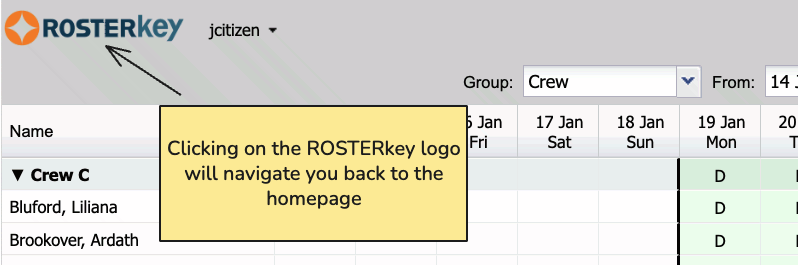
Clicking the ROSTERkey logo on any page will return you to the ROSTERkey homepage.
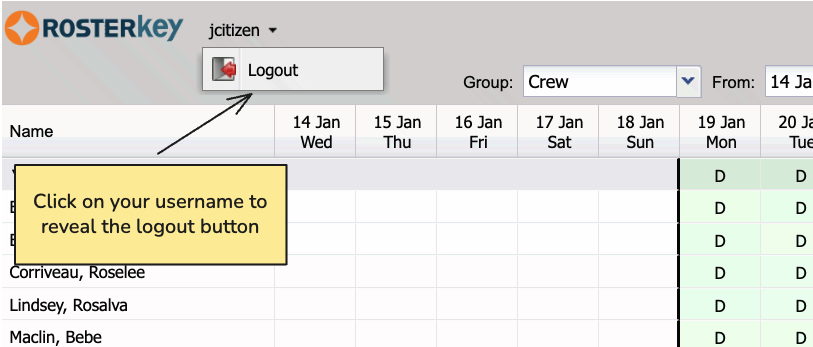
Click your username at the top of any page to reveal the "Logout" button.
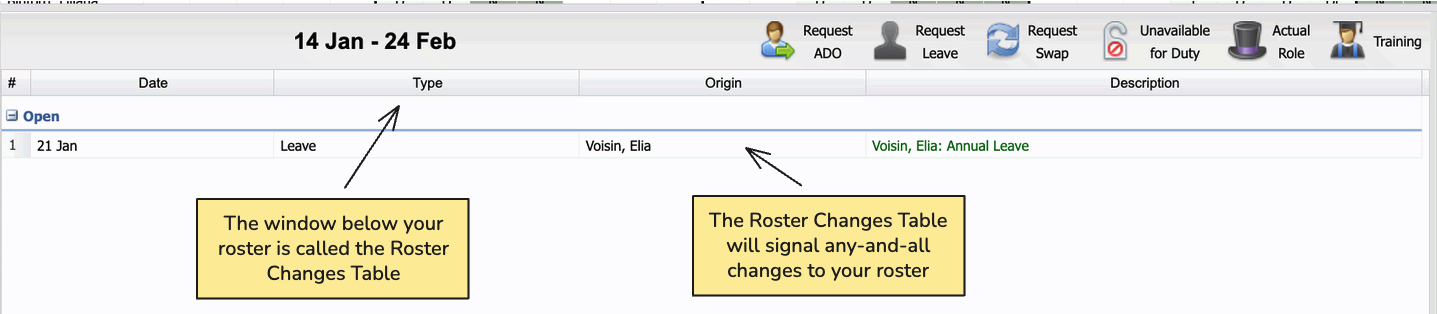
Roster Changes Table
The Roster Changes table tracks and signals any changes to your roster.
Window Customisation
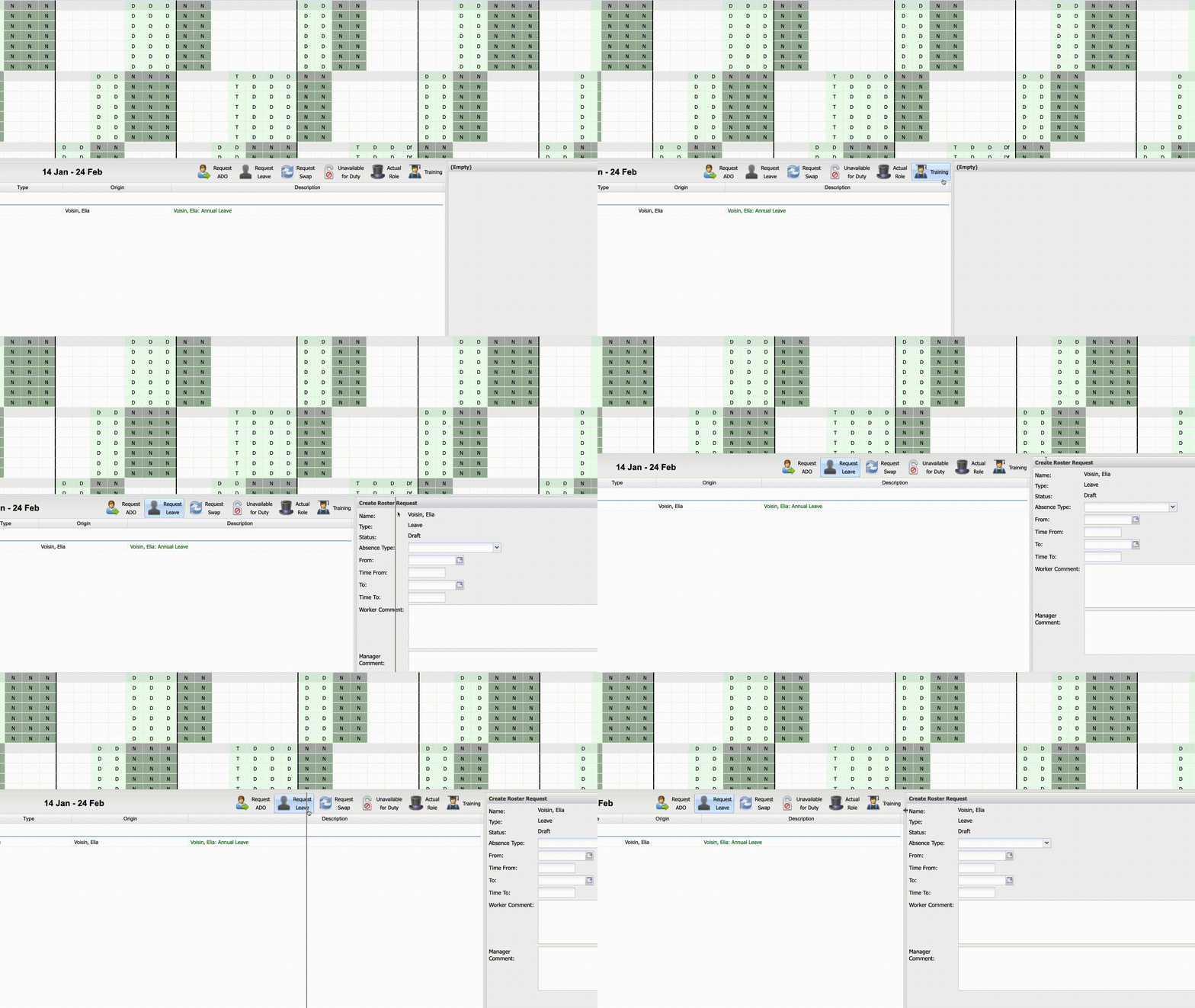
Within ROSTERkey, windows can be dragged and resized with ease, just "grab" and hold the edge of a window in the Roster View with your mouse cursor, and drag!
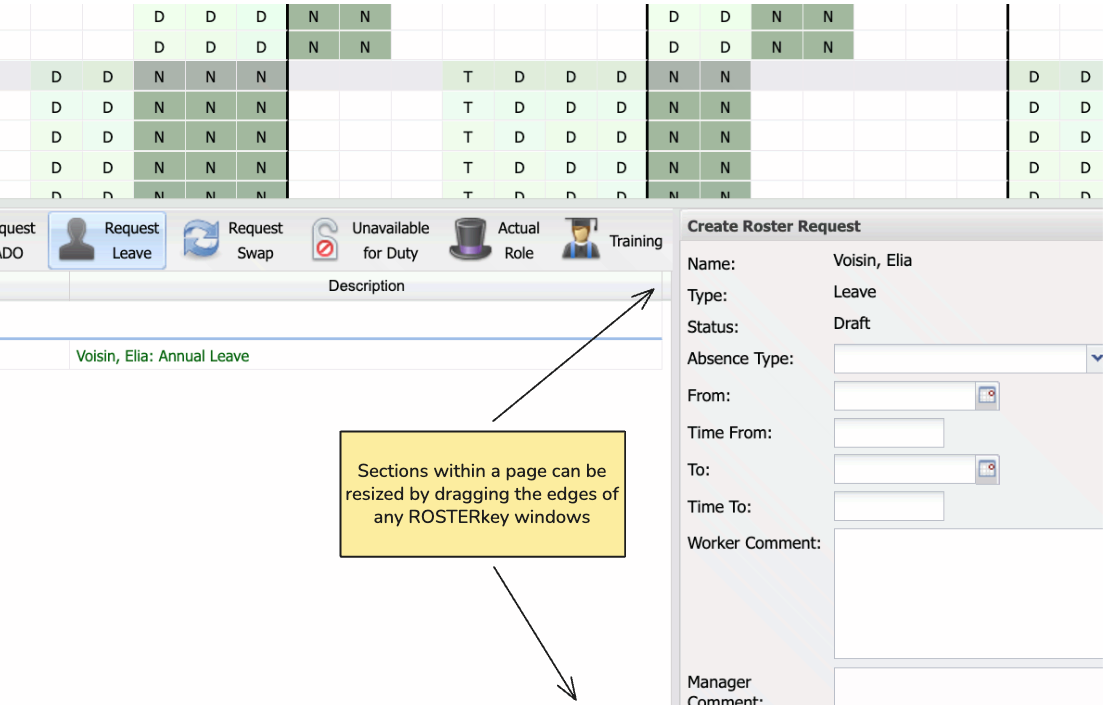
Below is a video outlining the Window Customisation feature.